The UDAL Project
Renting from the landlords, or owning your house
Big tech owns the operating systems, the devices, the datacentres, much of the internet and the tracking tools. How do you get out from under that? Five short scenes in one village, each told twice: once for a tenant in a landlord's tower, and once for someone who owns their house. The village is the internet. Under each side is what it means in real life.
The story
1.Where you live
Renting in the tower
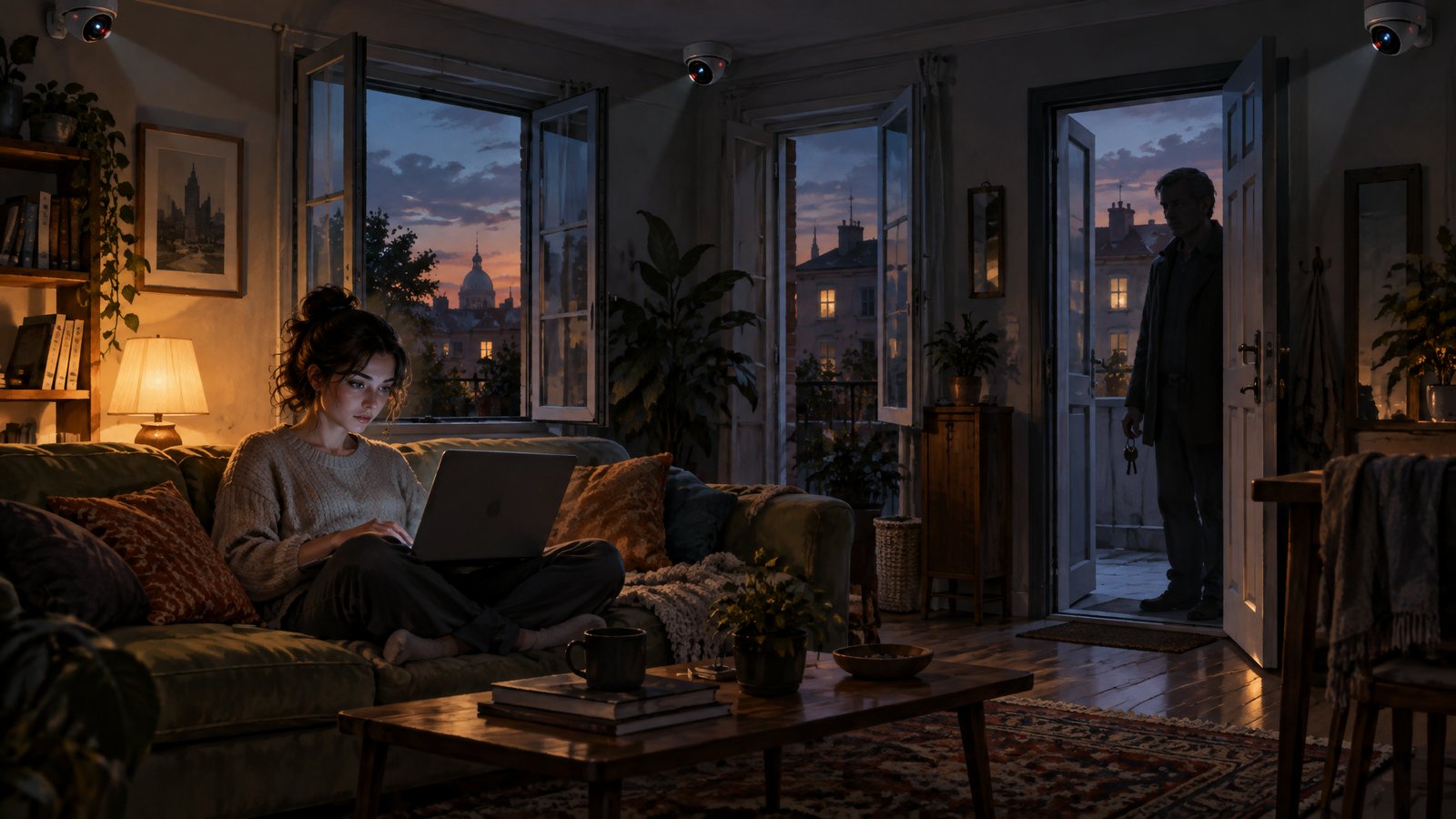
A few rich landlords own most of the village: the towers people live in, the storerooms, the shops, the post room and the cameras on every street. Most people rent a room in one of their towers. Nobody really chose it: the room came with the place they moved into, with the landlord's name already on the door.
The landlord owns the walls, the locks and the rules, and keeps a key to every room. As a tenant, you live by the landlord's rules.
In real life
The landlords are big tech: Microsoft, Apple, Google and a few others. They own the operating systems, much of the hardware, the datacentres, the big services and the tracking tools.
A computer running Windows or macOS, or a phone running Android or iOS, is a room in one of their towers. You paid for the hardware, but the system on it answers to them.
Owning your house
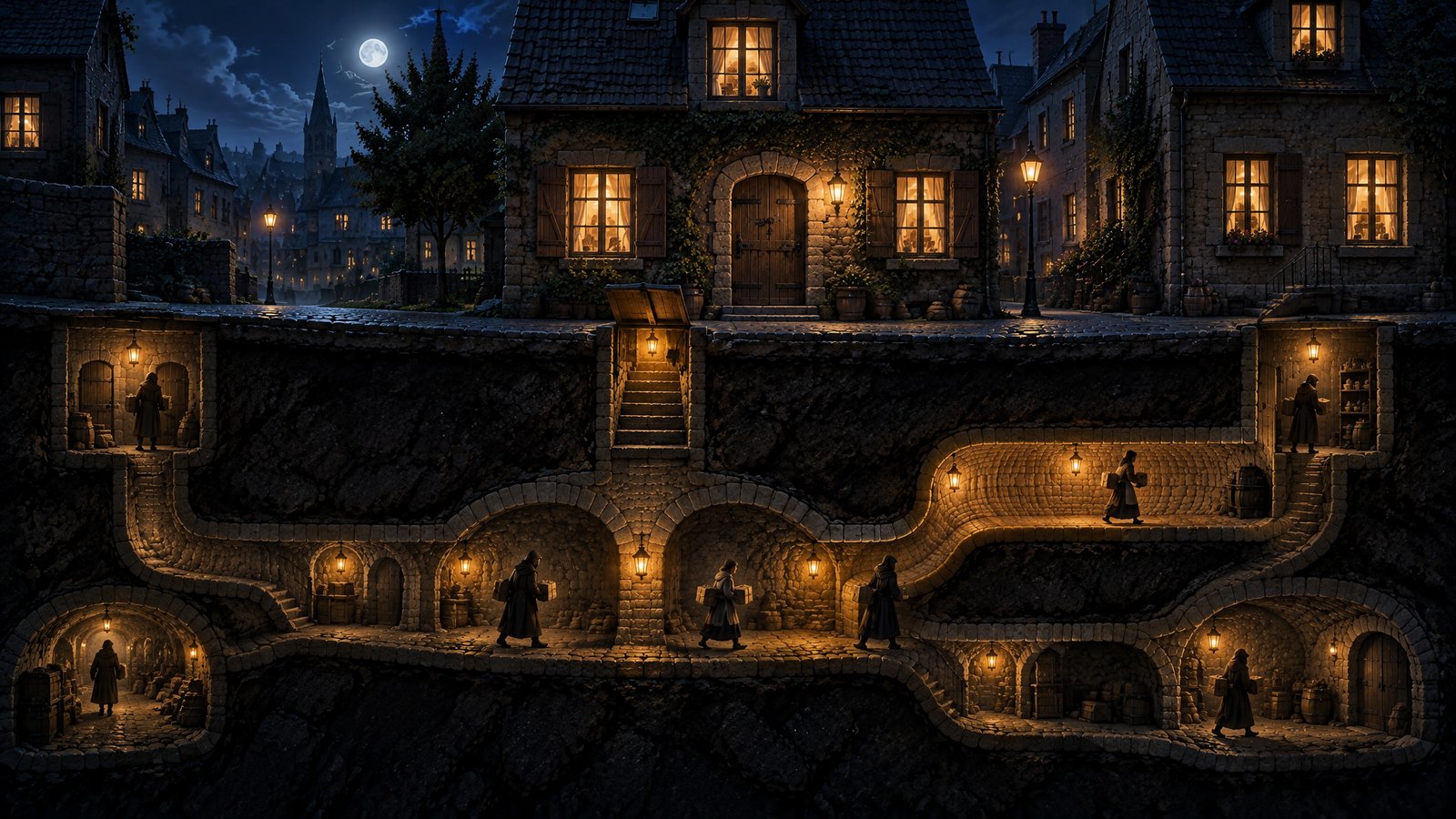
Some people own their house. Nobody else keeps a key, there is no lease, and nobody looks in through the windows.
Because nobody else owns the house, you are nobody's tenant. You are not its subject. This is the first step out from under the landlords, and the one everything else depends on.
In real life
Your own house is a device running a system that doesn't own you: Linux on a computer or GrapheneOS on a phone. You don't need a company account to use it, and the system has no landlord to report to.
2.What you pay
Renting in the tower
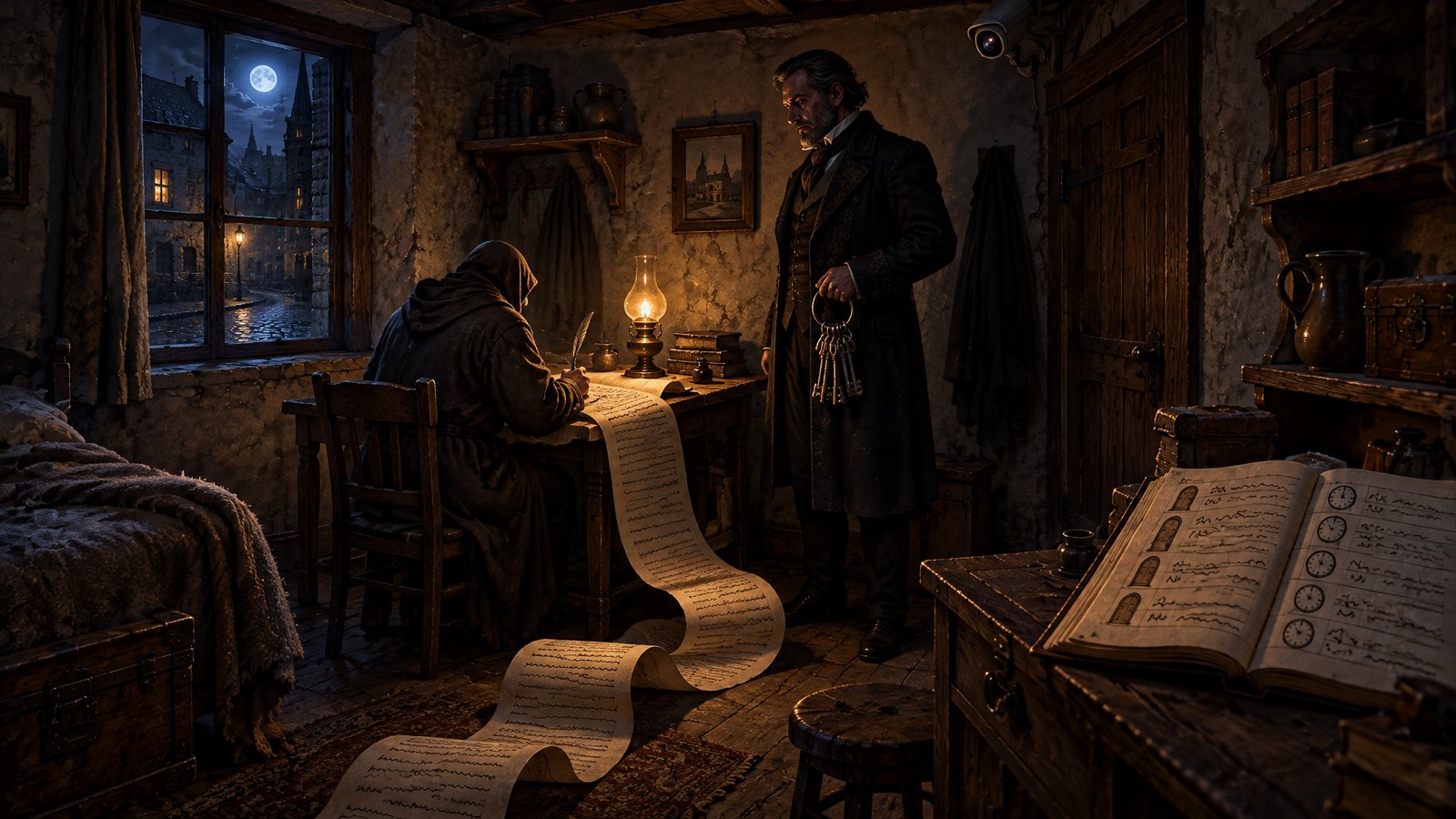
The lease says you can stay as long as the landlord can watch you and sell what they see. The landlord can rewrite it whenever they like, and staying counts as agreeing.
Then come the fees. A bigger storeroom costs extra each month. The tower shop takes a cut of everything sold in it. Some rooms only open if you keep paying.
In real life
The lease is the terms of service, and the first price tag is surveillance: what you search, where you go, who you talk to and what you buy, used for advertising and passed to partners and data brokers.
The fees go to the same companies: monthly storage plans such as iCloud+, Google One and OneDrive, subscriptions such as Microsoft 365, and an app store commission of up to 30 percent on what you buy.
Owning your house
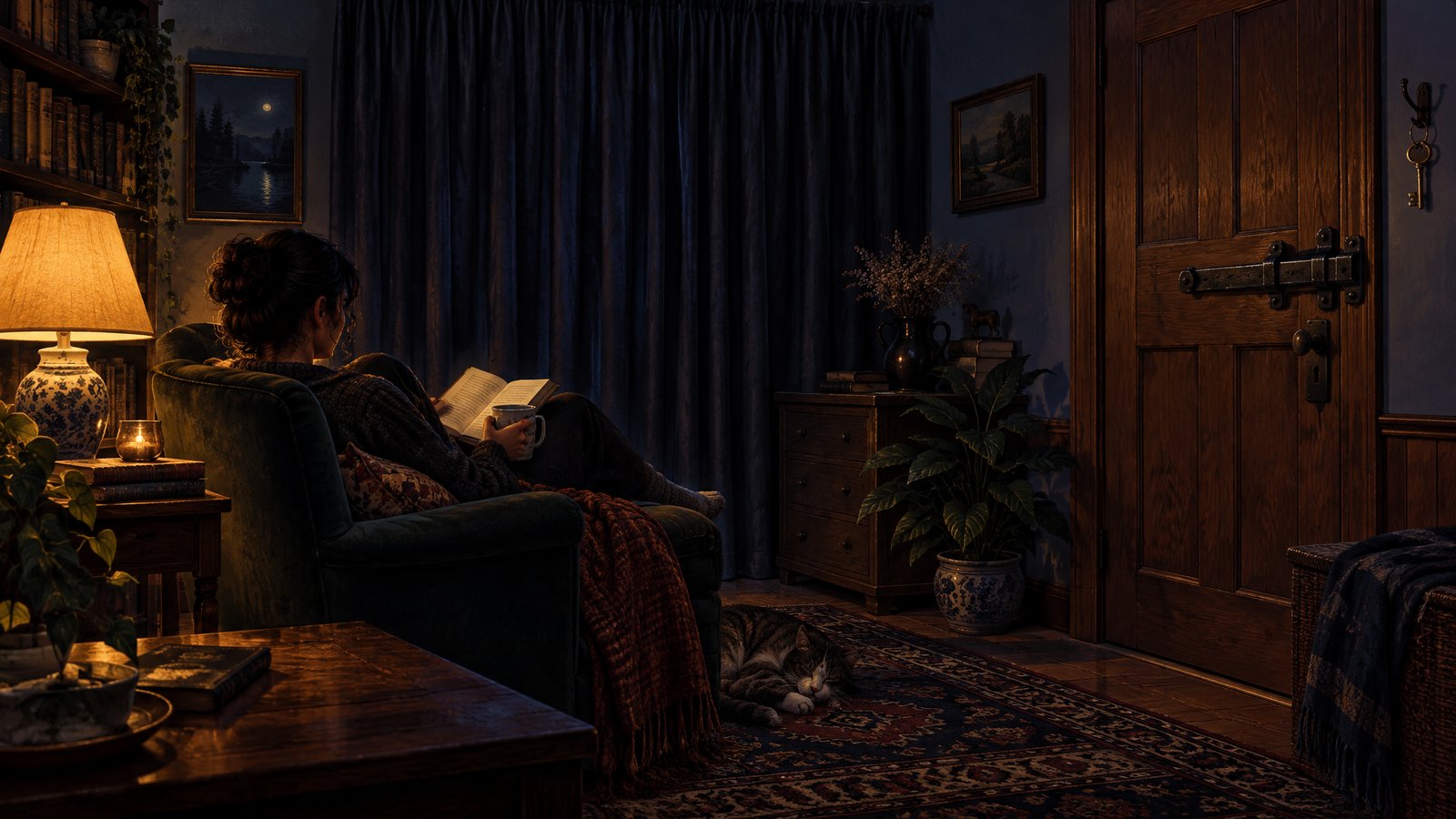
In your own home nobody charges you. There is no lease, no rent, and nobody is paid in watching you.
You can still invite a camera in, so you choose what you bring through the door.
In real life
Linux and GrapheneOS cost nothing and have no advertising business behind them. GrapheneOS runs without Google services unless you choose to add them in a sandbox. Files kept on your own device have no monthly fee.
An app that collects data still collects it on a system you own, which is why Device Privacy lists private swaps for everyday apps.
3.Going out into the village
Renting in the tower
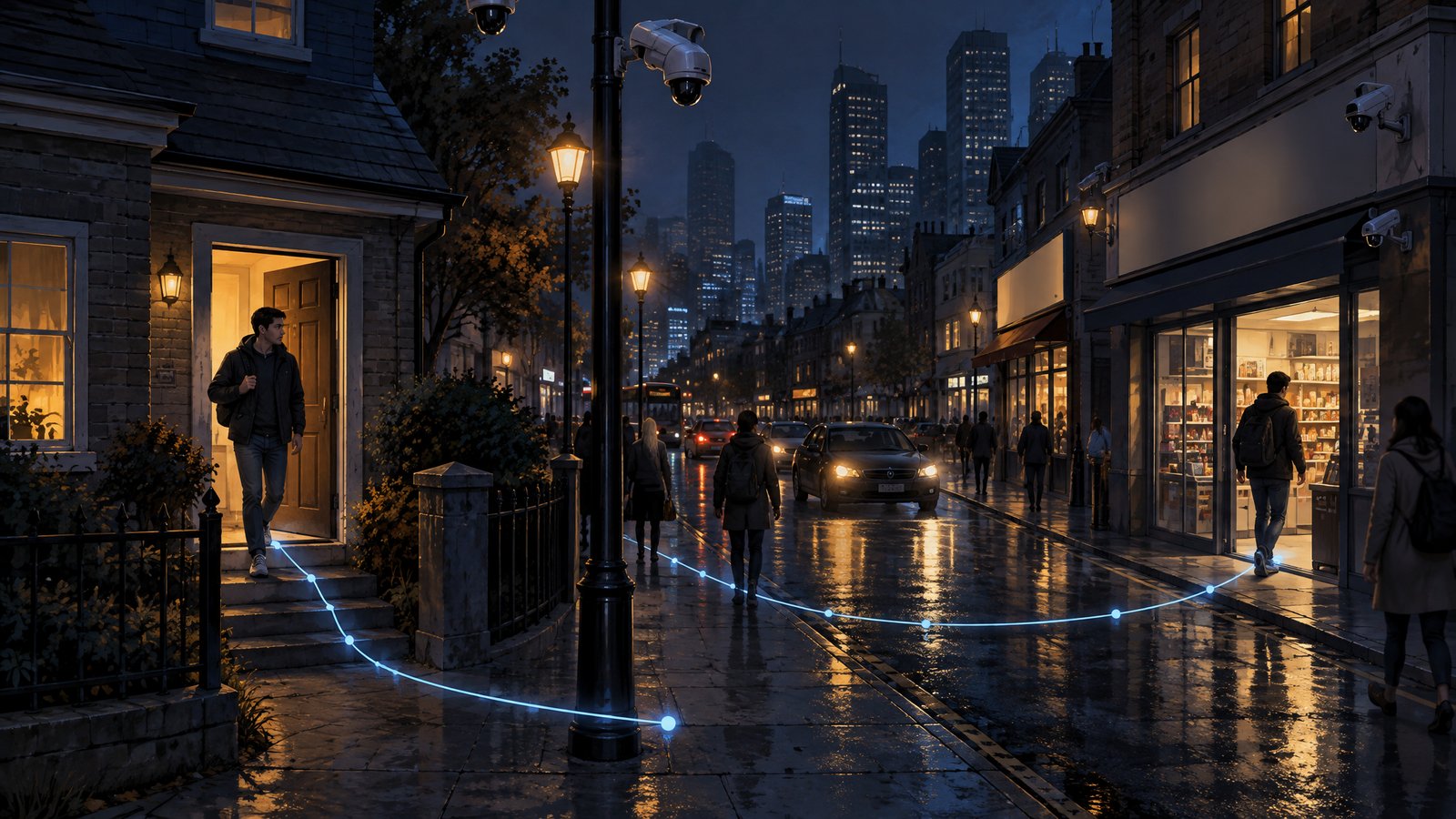
The village is where everyone meets: the streets, the shops, the square. Step out of the tower and the street sees you: which way you go and which shop you enter. Shopkeepers recognise you, write it down and pass notes to each other about you.
You can pay a company to build a covered corridor from your door, but then the company sees every trip instead. Either way, the landlord saw you leave.
In real life
The village is the internet. Your internet provider sees which sites you connect to, and websites and advertisers follow you from site to site with cookies, trackers and fingerprinting.
A VPN is the hired corridor: it moves the trust to the VPN company, it doesn't remove it. And the operating system sees everything before it leaves the device.
Owning your house
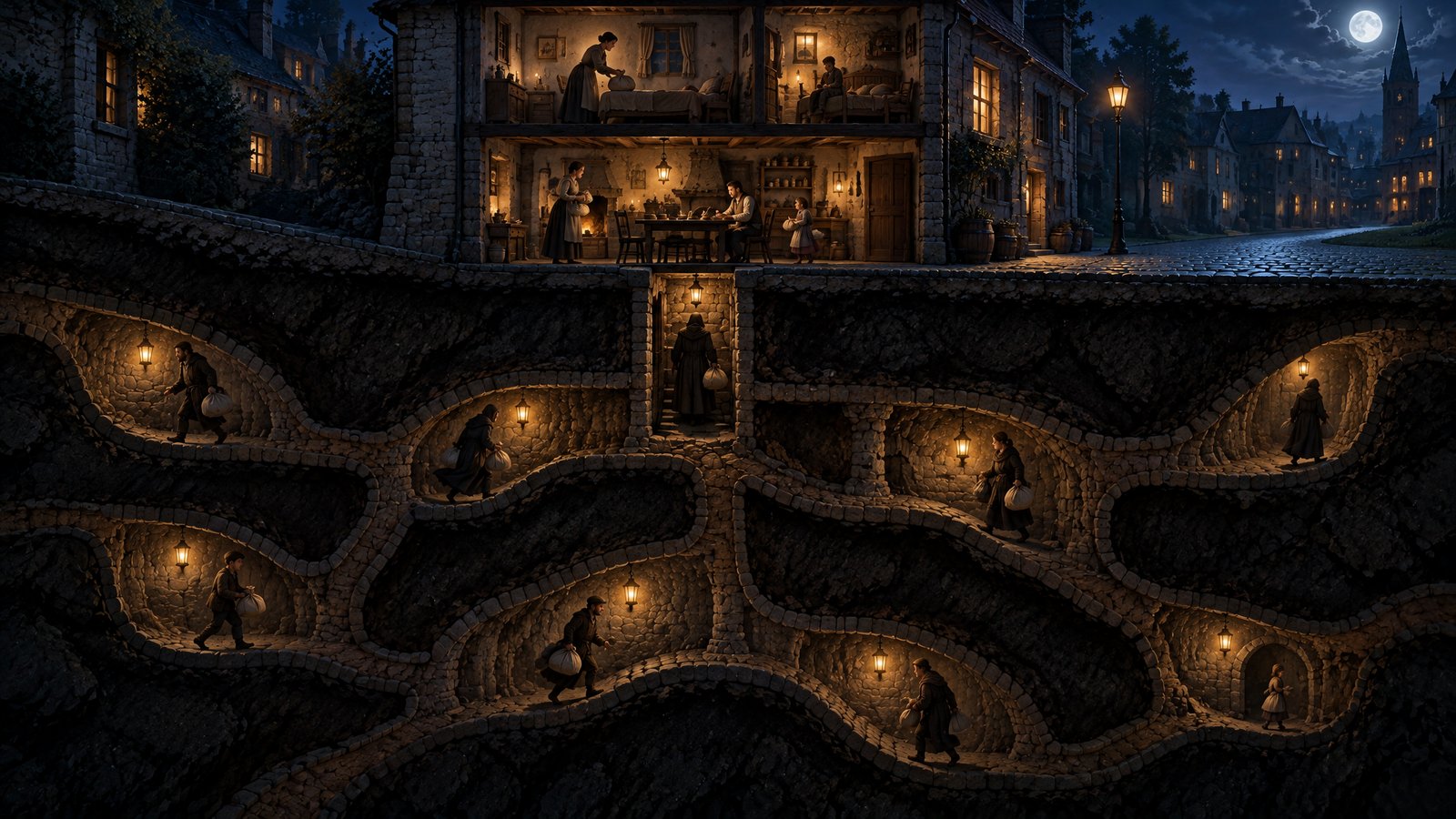
Owning your house doesn't change the village. The streets, shops and watchers are the same for everyone.
What changes is that nobody inside your house reports where you went. The street can still see you, so an owner has to think about how they go out.
In real life
It is the same internet for everyone. On Linux or GrapheneOS the system itself isn't watching where you go, and GrapheneOS lets you switch off network access for each app. Your internet provider, websites and advertisers can still see you.
4.Where your things are kept
Renting in the tower
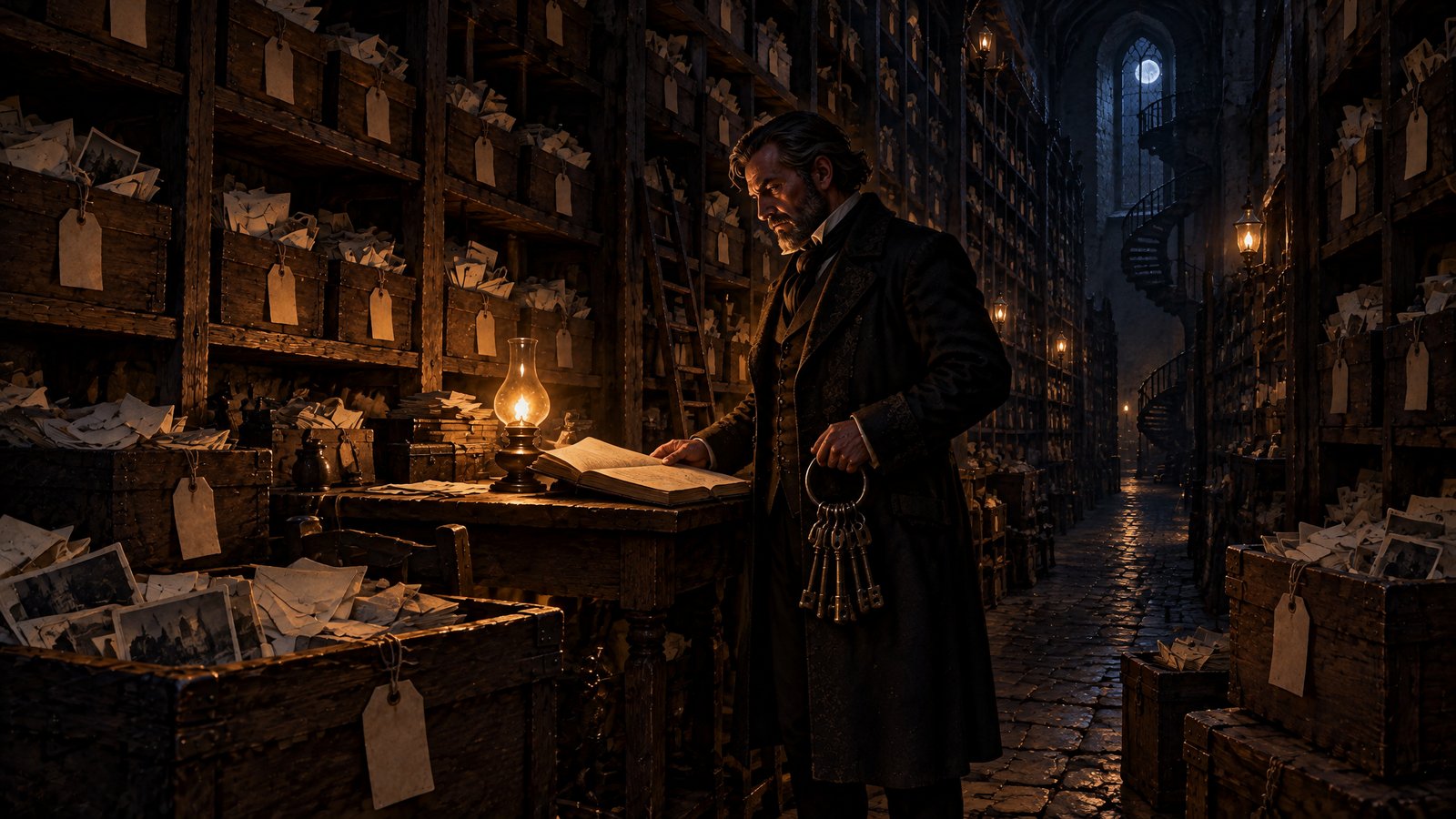
Your letters, photos and papers sit in the landlord's storeroom, each box tagged with your name. The landlord holds the key and can look through any box.
Your furniture was made to fit this tower and won't go through anyone else's door. Leaving means leaving things behind, so most people stay.
In real life
The storeroom is cloud storage: iCloud, Google Drive and Photos, OneDrive. Your files sit on the company's servers, under their terms, and you reach them only while your account is in good standing.
Messages tied to iMessage or Google Messages and apps bought in one store don't move easily to another platform. That is lock-in.
Owning your house
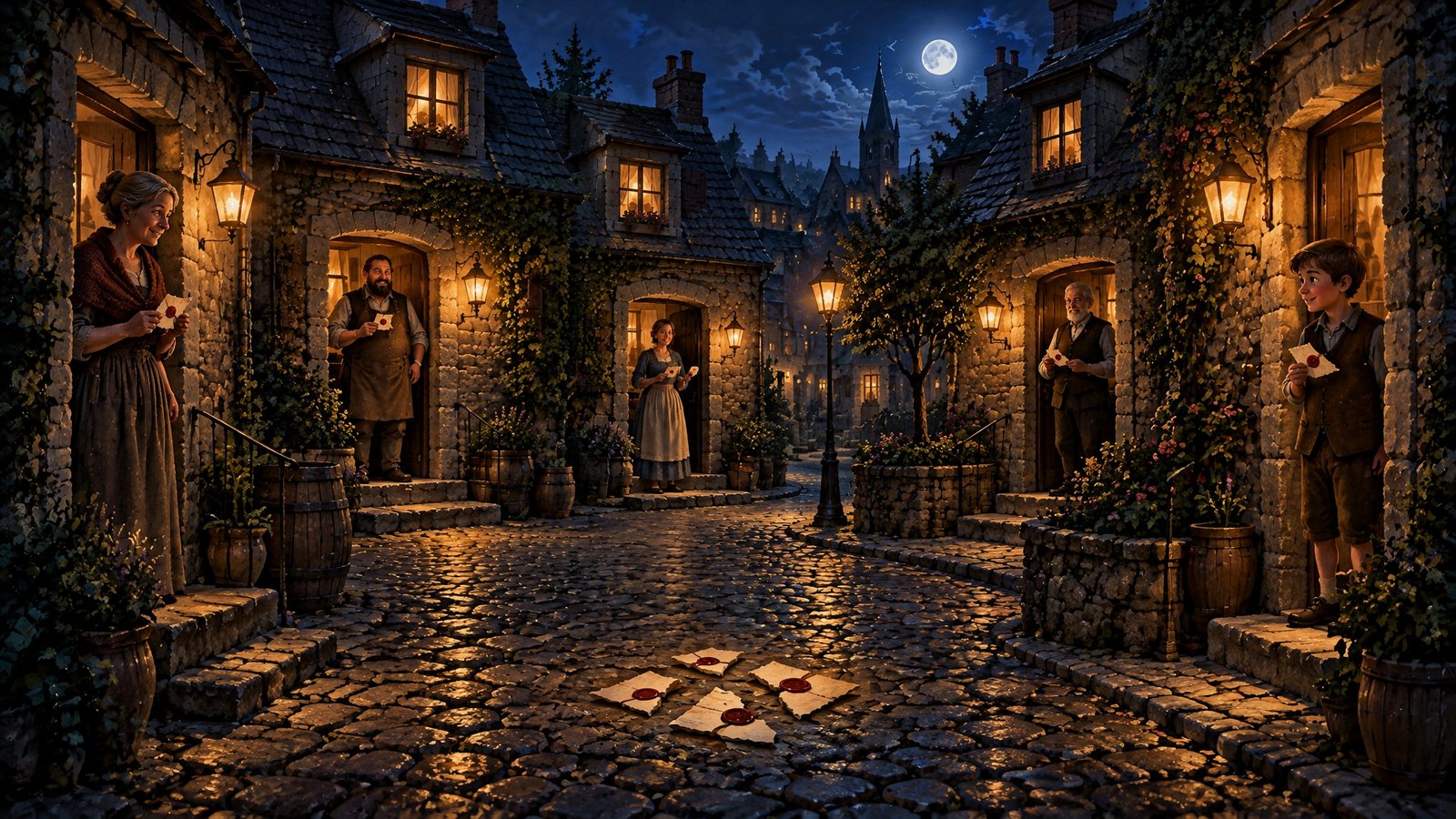
Your things stay in your own house, in a safe only you can open.
If you want a spare copy kept somewhere else, you lock it in a box before it leaves the house. Only you have the key, so whoever stores the box can look after it but can't see inside.
In real life
The safe is your own device. On Linux you can encrypt the whole disk when you install it, and GrapheneOS encrypts the phone's storage by default. Your files, photos and notes stay on hardware you hold, with no cloud account and no monthly fee.
If you want a backup held by someone else, encrypt it on your own device before it goes. Only you hold the key, so whoever stores it can't read it.
5.Visiting a friend
Renting in the tower
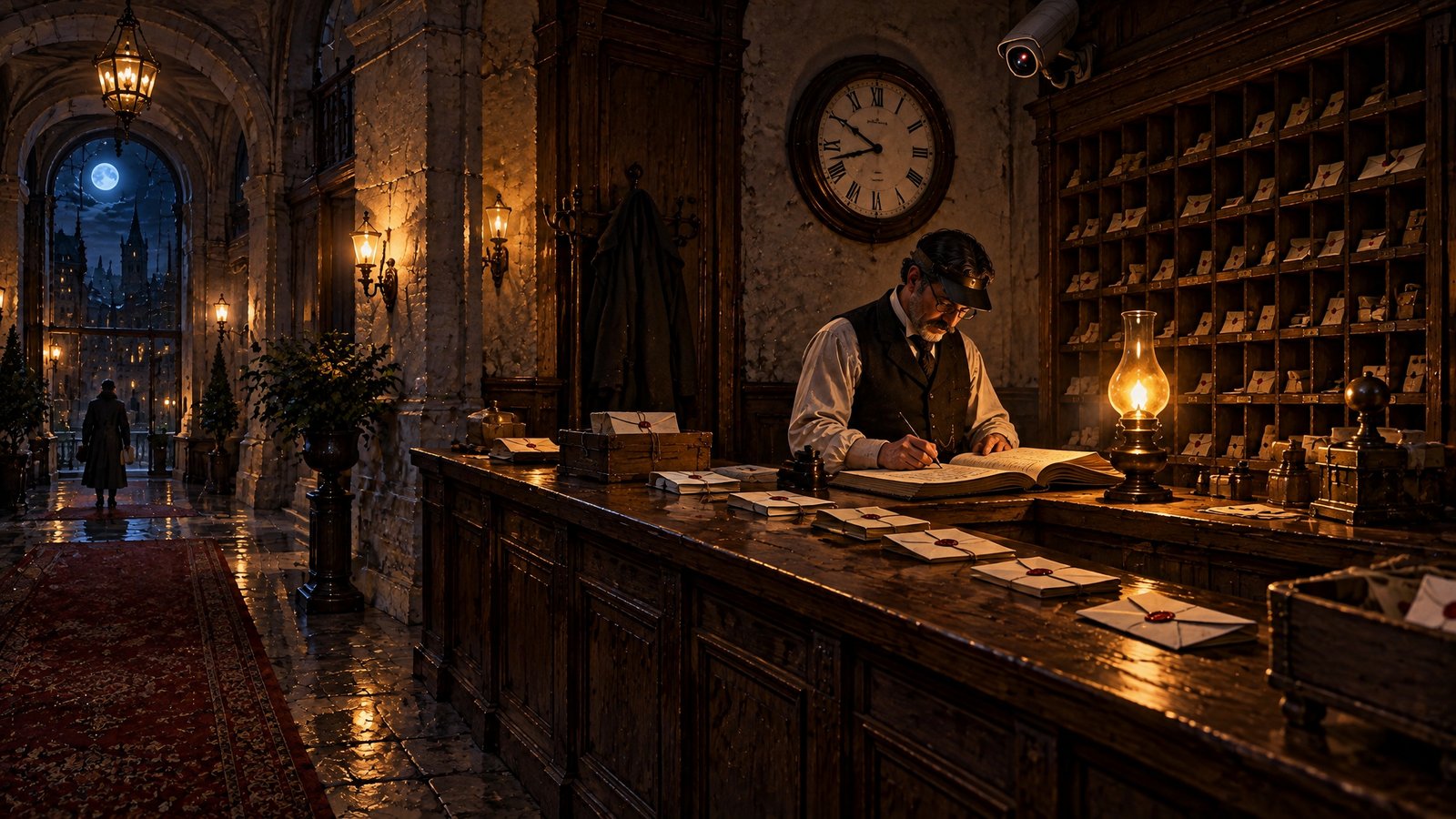
Letters to a friend go through the landlord's post room, and games of cards are played in the landlord's games room. A sealed letter isn't opened, but the clerk writes down who wrote to whom and when, and who sat at which table.
The landlord also has cameras in your room, so what you write is seen before you seal it. If your friend rents too, the same happens at their end.
In real life
Visiting a friend is email, messaging, chat and online games. They run through a company's servers, which see who talks to whom, when and how often, even when the content is encrypted.
On Windows, macOS, Android or iOS the message is only as private as the device it is typed and read on. If either of you is in a rented room, the conversation is exposed there.
Owning your house
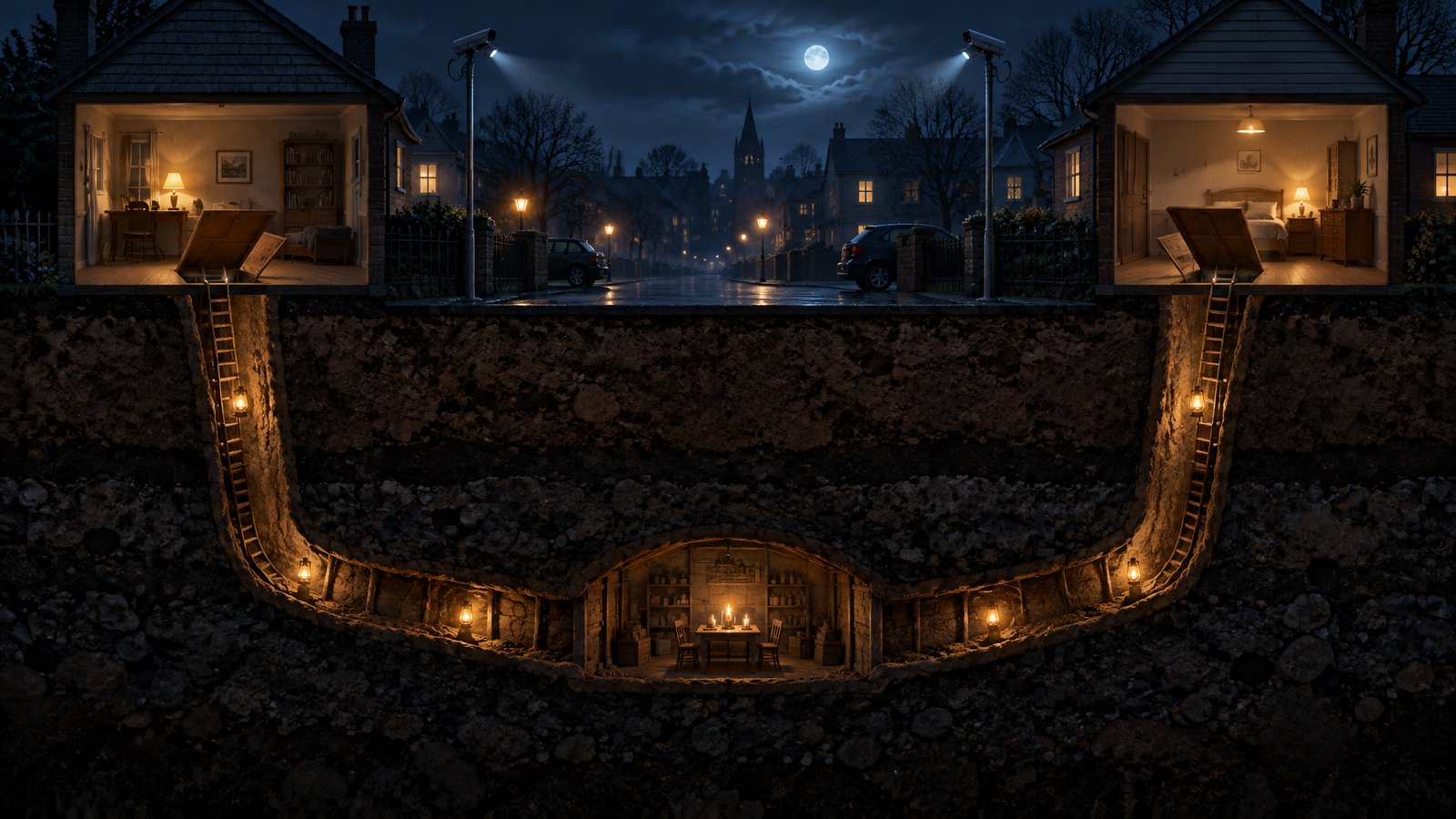
Owning your house doesn't stop the post going through the landlords. Their post room and games room are where everyone's friends are, so owners have always used them too.
What changes is your end. Nobody in your house reads over your shoulder before you seal a letter, and nobody keeps a copy of what you were sent.
Letters sent by the public post still pass through other hands.
In real life
Email, messaging and online games traditionally run through company servers, even on Linux or GrapheneOS. What Linux and GrapheneOS change is your end: the system you type and read on isn't watching.
Ordinary email can't be solved yet. It still passes through mail servers run by someone else. A privacy focused mail provider helps, but it doesn't take email away from the landlords.
Windows, macOS, Android and iOS are rented rooms. Whatever you do on them, the device is compromised, because the landlord controls the system underneath everything else. Tunnels and sealed letters help once you are out of the door. They can't take the cameras out of the walls.
Your privacy wheel
Every piece of software that works for a landlord leaves a gap. Whittle them away one by one and the wheel closes in.
Amber gaps are where you are watched. Blue is closed.
The wheel starts fully closed, as it would be in a house you own. Untick each one you still use and see the gaps open. The percentage is each item's share of the wheel. The operating system is the biggest piece: until it is swapped, the device is compromised whatever else you change.
Changing your strategy
Owning your house comes first. After that, how you deal with the village has to change, because the landlords still own most of it. Where we come in, scene by scene.
Scene 1
Where you live
Move into your own house: Linux on your computer, GrapheneOS on your phone.
Scene 2
What you pay
Stop paying in surveillance and fees. Swap the apps and subscriptions that watch you for open ones, one at a time.
Scene 3
Going out into the village
On the internet: a browser that drops trackers on the ordinary web, and garlic routing on Veilid between Udal users.
Scene 4
Where your things are kept
A safe in your own house instead of the landlord's storeroom. About fifty apps, games included, that keep your things on your computer.
Scene 5
Visiting a friend
Chat, calls and two player games with no company server in the middle. Each side digs half the tunnel, and a QUIC relay opens only between peers who agreed to connect. Ordinary email can't be solved yet.
About
Why the name Udal
What the word means, and the terms we build by.